Stop nagging.Start tracking.Kids do the rest.
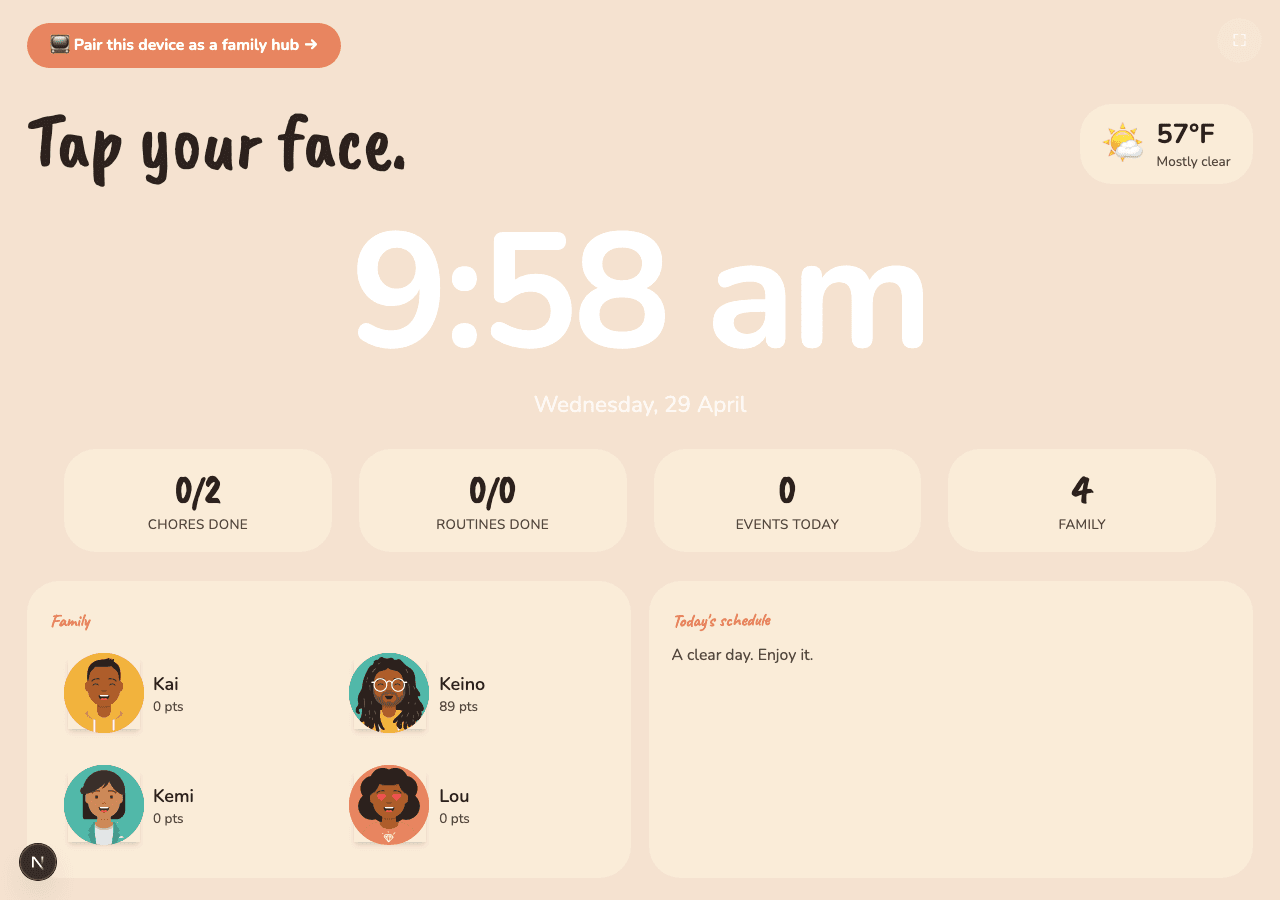
Type chores in plain English. Chicknz figures out the schedule, rotates them fairly, and shows each kid an interface built for their age. Wall-mounted hub at home, PWA on phones.
Everything family life actually needs.
One app for the stuff you keep writing on the fridge, plus the stuff the fridge can't do.
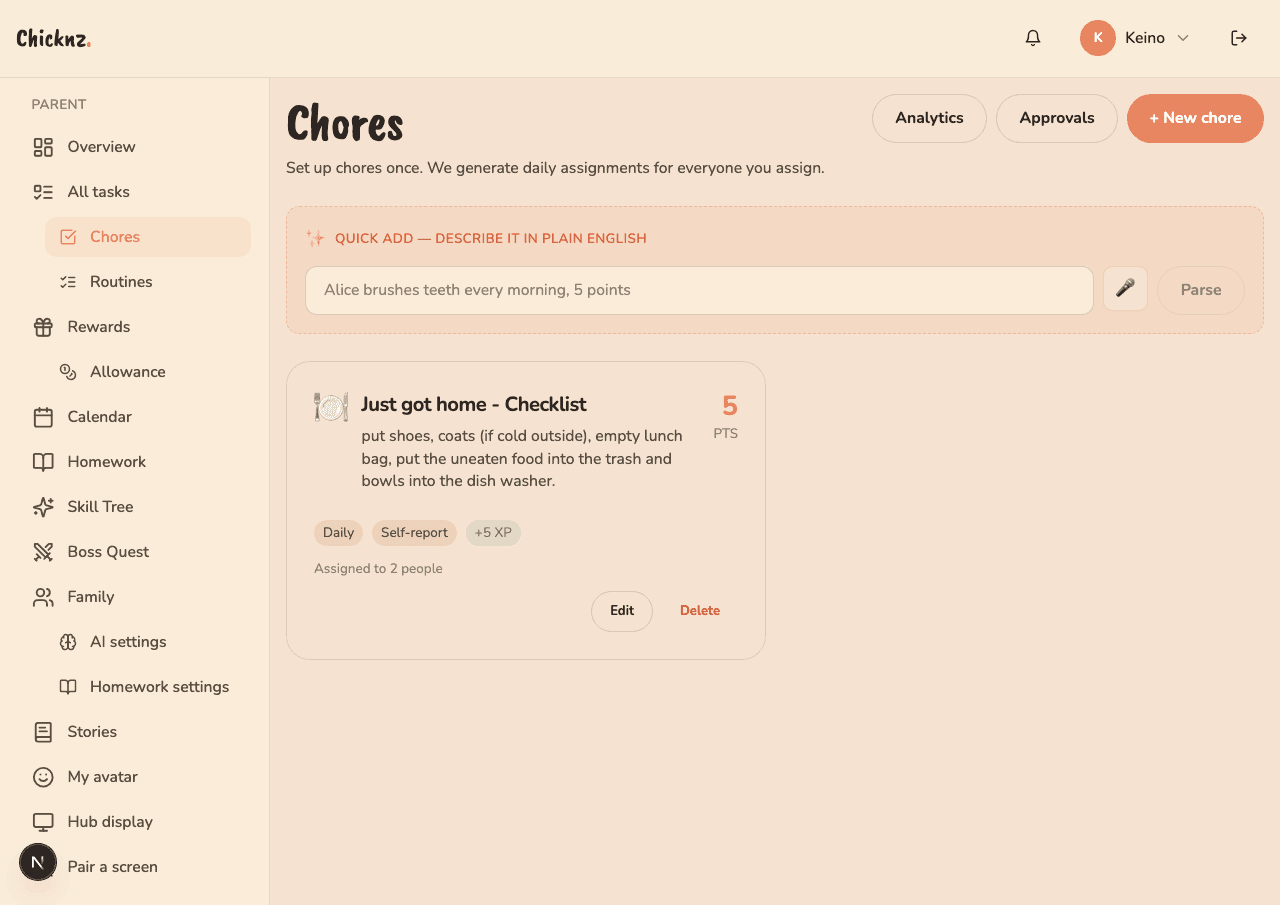
Chores & routines
Type chores in plain English. The AI parses them, schedules them, rotates them fairly. Photo proof, self-report, or parent approval: you pick.
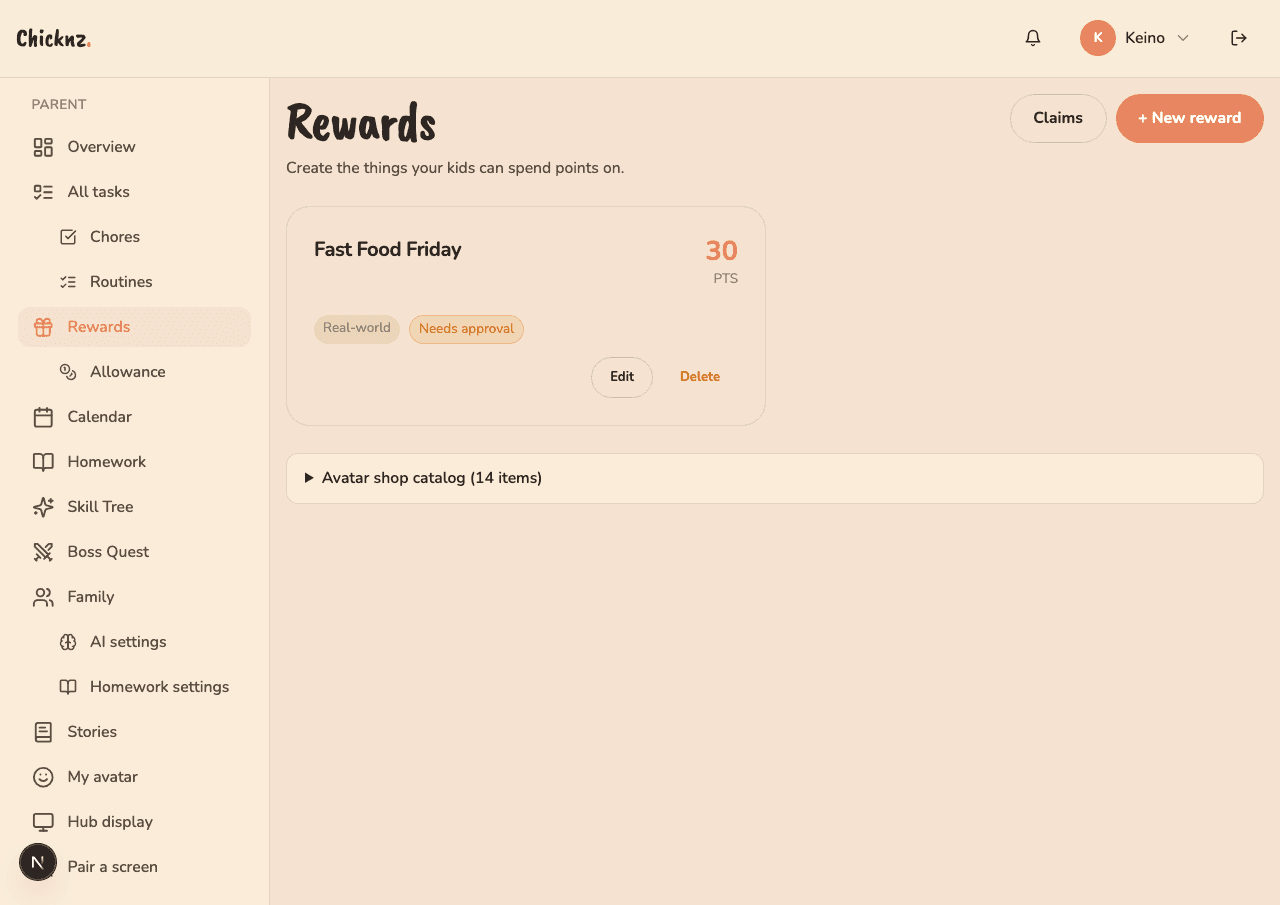
Real rewards
Screen time, movie nights, pocket money. Kids spend the points they earn, not made-up currency. Parents set the exchange rate.
Wall-mounted hub
A cheap Android tablet in the kitchen becomes the family command center. No logins. Kids just tap their photo. Works offline.
Four experiences,
not one UI.
A four-year-old and a fifteen-year-old don't want the same UI. Good. They don't get it.
Little
Huge tappable tiles, icons over words, loud celebration when a chore is done.

Kid
Friendly labels, colorful cards, streaks and points front-and-center.

Tween
Cleaner layout, sidebar nav, skill-tree progress, less hand-holding.
Teen
Dense, data-rich, keyboard friendly. Feels like a real tool, not a toy.

Setup in an
afternoon.
No onboarding wizard. No 40-page manual.
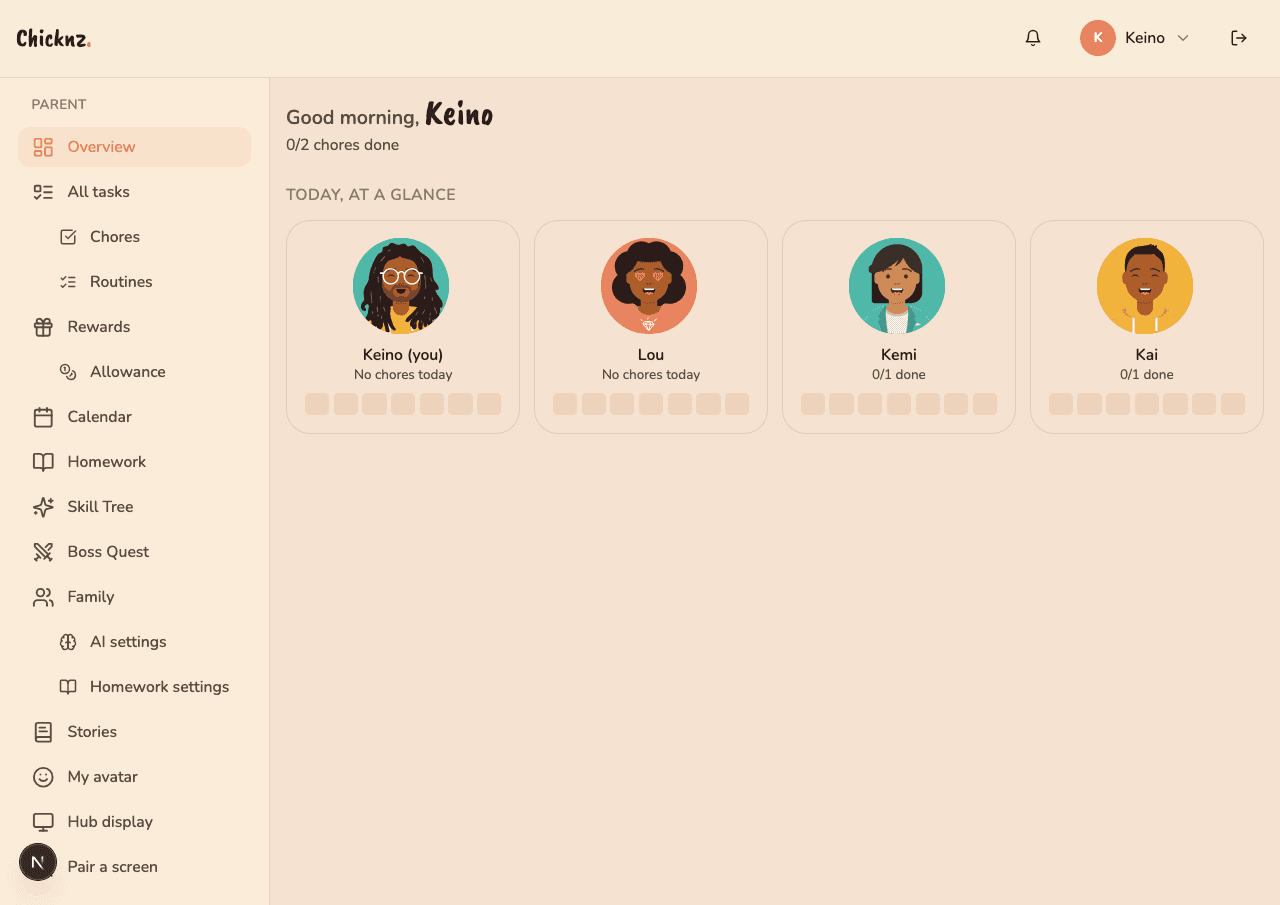
Add your family
Pop in each kid's name and age. We pick the right UI tier automatically.
Describe chores in plain English
"Alice brushes teeth every morning, 5 points." The app parses and schedules it.
Mount the hub, hand out phones
Parents get admin on phones. Kids tap their photo + PIN on the wall tablet.
“I built Chicknz for my own two kids, when no chore app could fit a four-year-old and a teenager at once. My sister’s family runs on it now too. It’s the real thing we plan our week around, not a demo.”
Keino, maker of Chicknz
Try it with your family.
Free during beta. Import a family or start from scratch. Takes five minutes. Your fridge will thank you.